

Guides
Can you reschedule your Tesla delivery appointment, and what is the 48-hour rule?
Can you reschedule a Tesla delivery appointment? What Tesla's US Taking Delivery page says about the app steps and the 48-hour rule, and what to ask.
Start your free delivery checklist (opens in a new tab) See how it works
Free · No account · Works on iPhone
Super easy and helpful walk through
— MadEye Madi, App Store
TSL Check is an independent iPhone app that walks you through a Tesla delivery or a used Tesla inspection, area by area, so small problems do not slip past while you are excited and rushed.
Super easy and helpful walk through, mentions every little thing so you can’t miss any issues you need to check before signing off.
Diese App sollte jeder zur Fahrzeugübergabe nutzen. Quotes from App Store reviews, shown as written. The name is the reviewer’s App Store nickname.
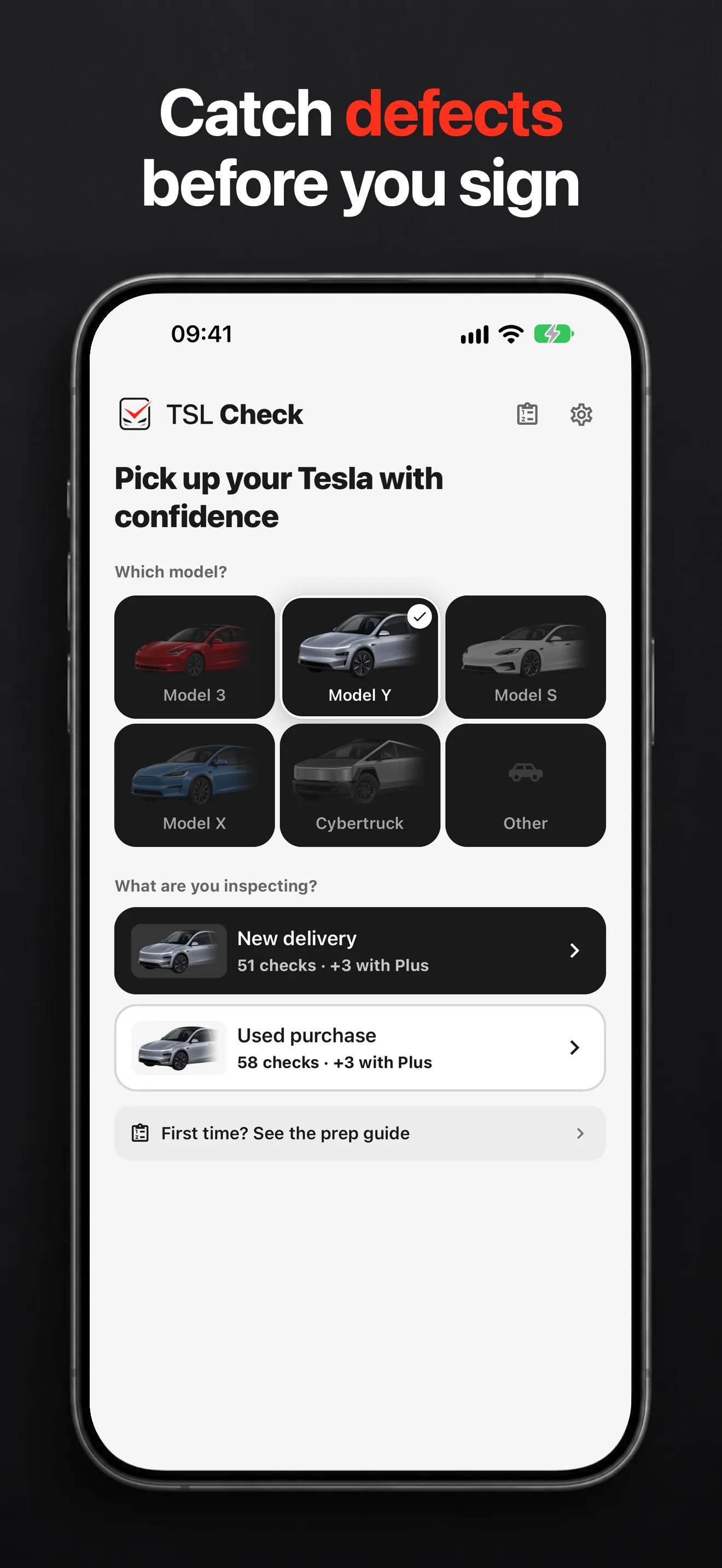
Choose your Tesla and whether it is a new delivery or a used purchase.
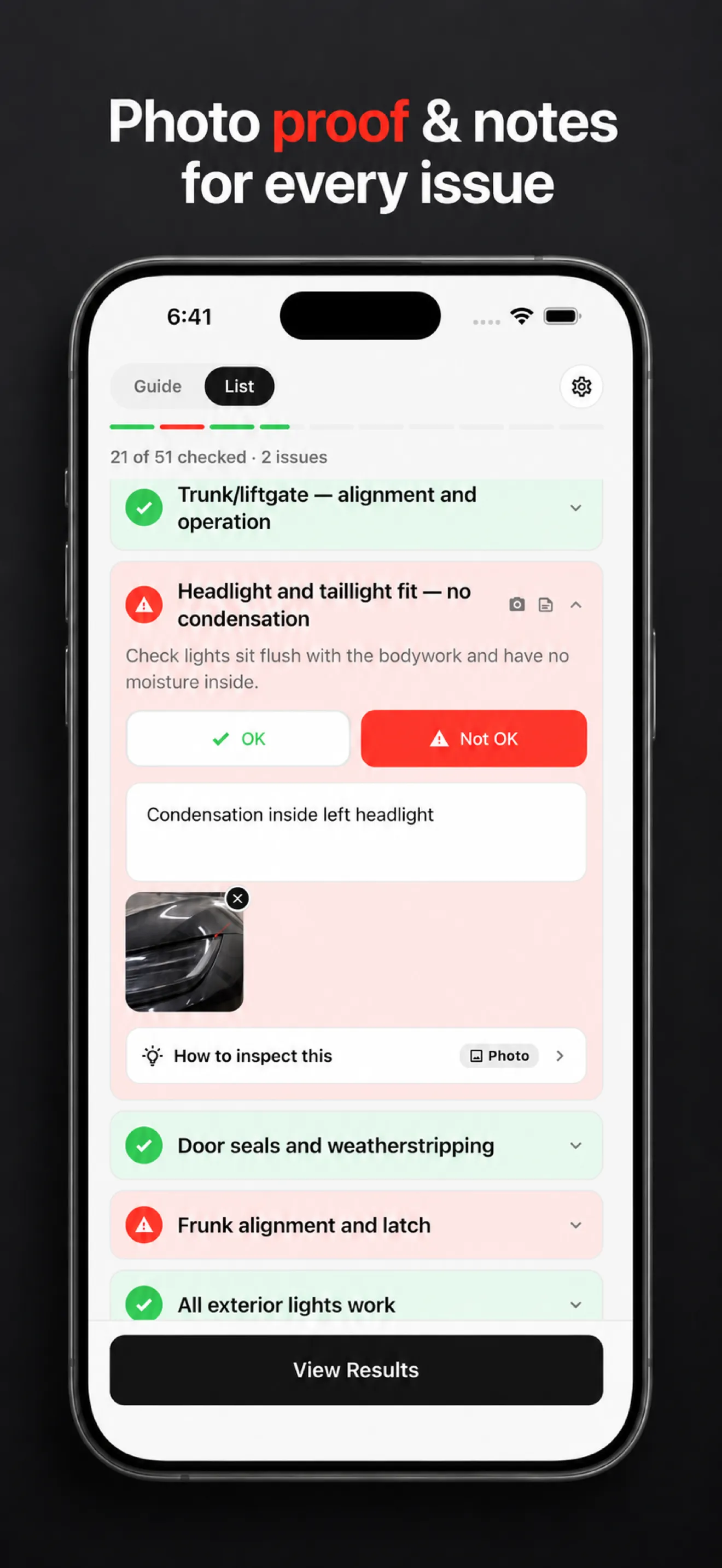
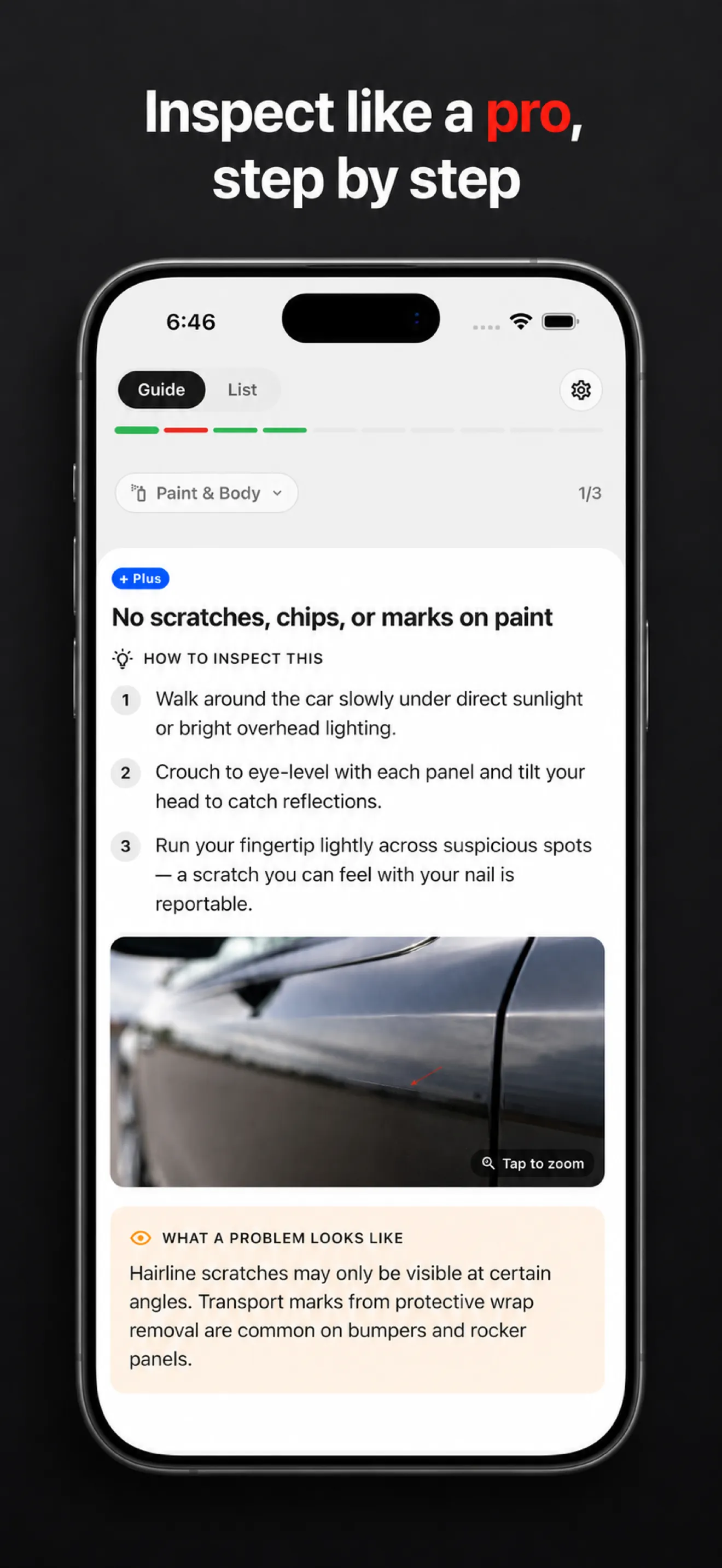
Mark each point OK or a problem. Add a photo and a note to anything you find.
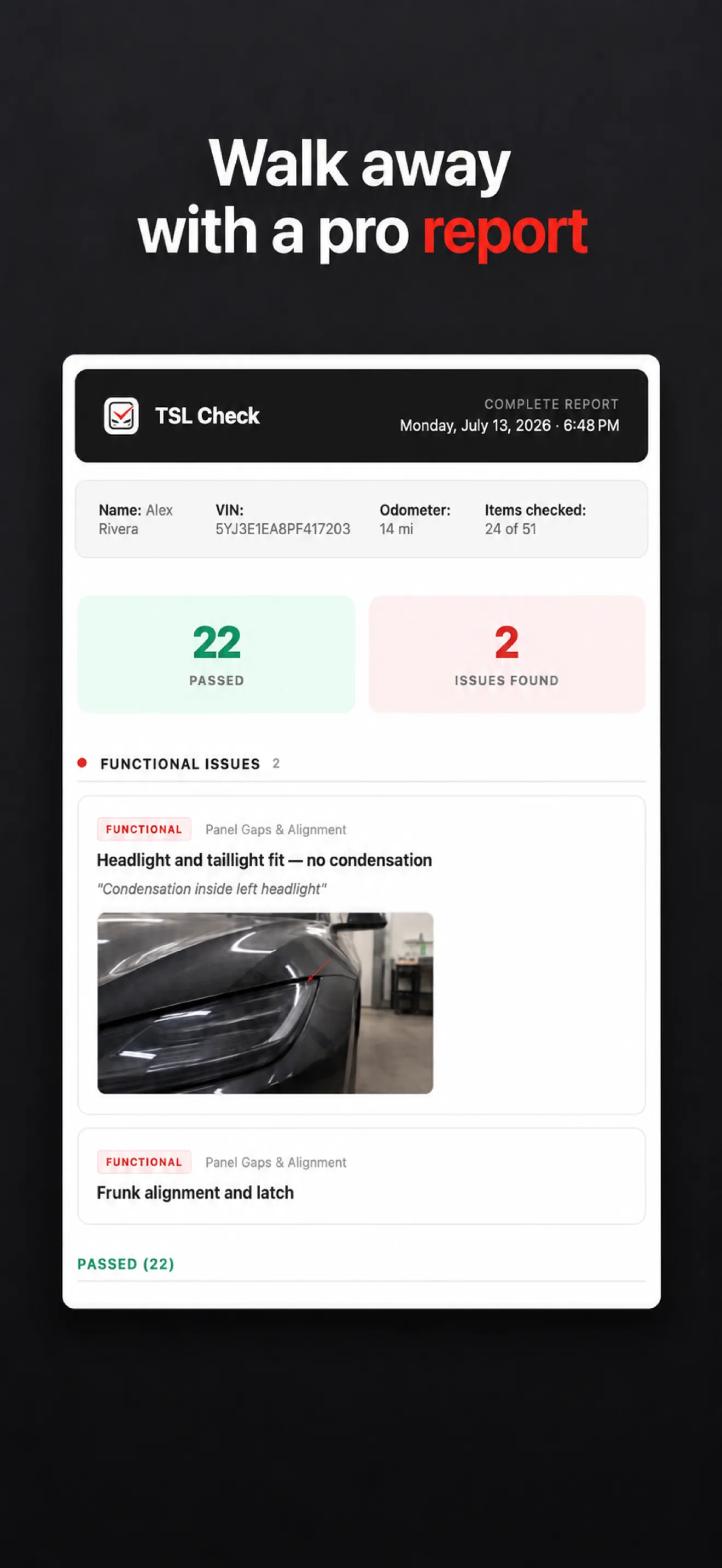
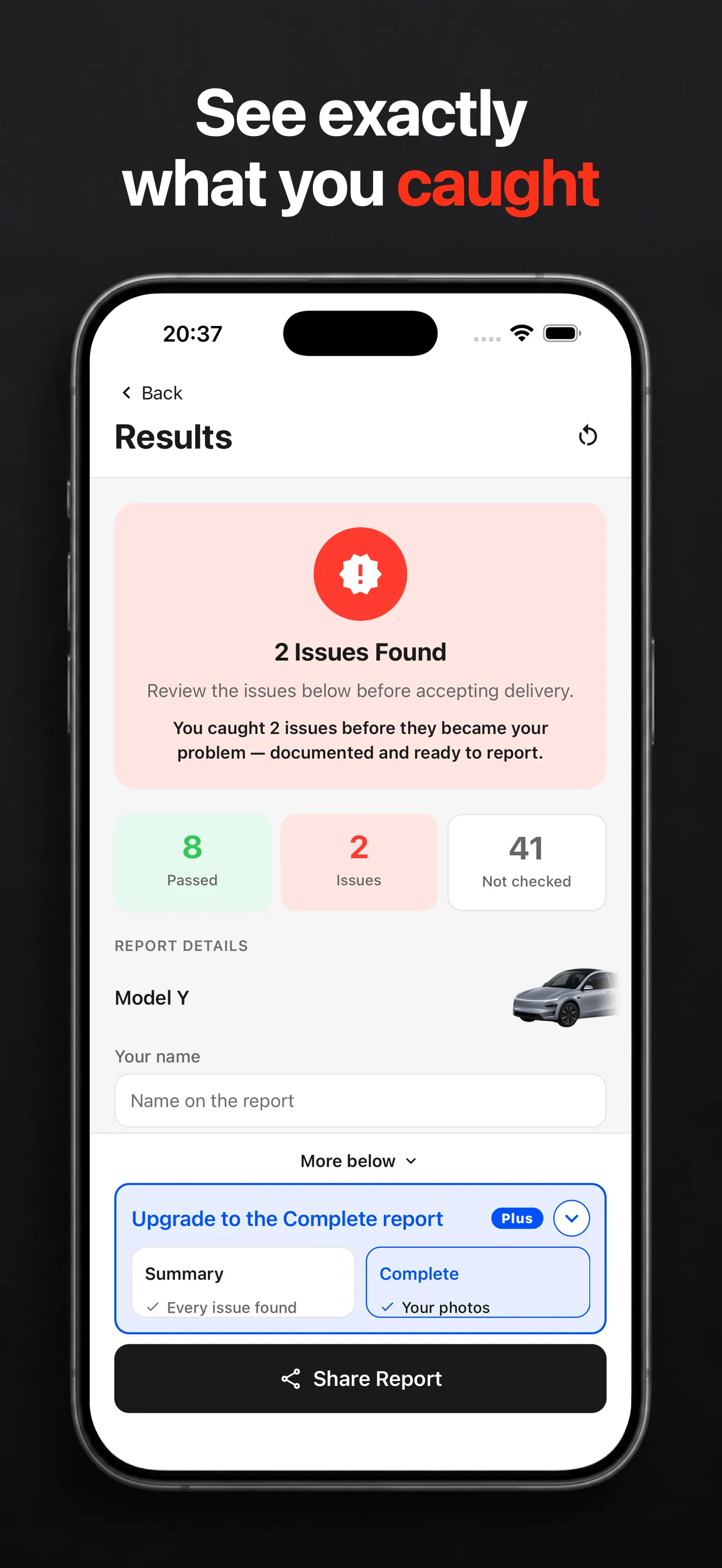
See what you caught and send the report to the seller or the delivery center.
Guides
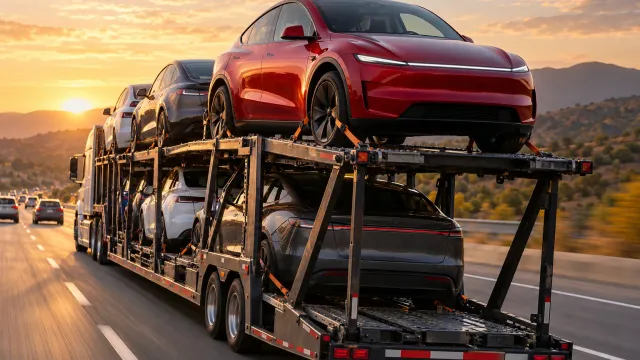
Can you reschedule a Tesla delivery appointment? What Tesla's US Taking Delivery page says about the app steps and the 48-hour rule, and what to ask.
Guides
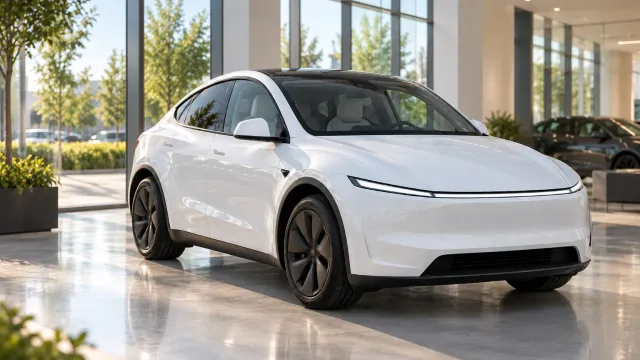
Why did your Tesla delivery date change or keep changing? What Tesla says affects it, where to see the latest date and what to do while you wait.
Guides
What Tesla says happens when you pick up a new car at a US Tesla delivery center: check-in, the Tesla app, documents, and what to check before you accept.
Guides
What Tesla's After Taking Delivery page says: where your purchase documents and window sticker are, registration, when lenders write to you, and service.
Guides
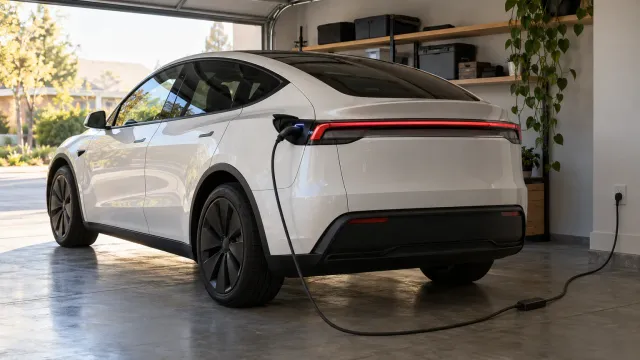
Yes, a Tesla can charge from a normal 120V outlet, but slowly: Tesla says 2 to 3 miles of range per hour. See who it suits and when to upgrade.
Guides
Your Tesla delivery checklist in the order it happens: tasks before, documents, the pickup checklist at check-in, and the walk-around before you accept.
Yes. The app is free to download, and the full checklist, photos, notes, the severity of every item and a shareable summary report are free. Plus is an optional one-time purchase that adds step-by-step tips with reference images, unlimited history, a customizable PDF report with your photos and notes, the full preparation guide and a battery range calculator for used cars.
No. Plus is a one-time purchase, not a subscription.
No. There is nothing to sign up for: no email, no password.
They stay on your iPhone. TSL Check has no accounts and no cloud sync. The app sends anonymous usage statistics (no VIN, no name, no notes, no photos, nothing you typed), and you can switch them off in Settings.
Yes, for the inspection. The checklist, your photos and notes and the summary report are all on your iPhone, so a delivery center with no signal is not a problem. You only need a connection to buy or restore Plus.
Yes. Choose the used purchase when you start. It adds checks that only matter when buying used: battery and range, the 12V battery, brakes and rust, title and liens, service and accident history, mileage and warranty.
Model 3, Model Y, Model S, Model X and Cybertruck, plus an option for other models. Each model adds its own checks to the common checklist.
No. It is an independent app, not affiliated with, endorsed by or sponsored by Tesla, Inc.
No. TSL Check is available for iPhone.
A list on a web page or in your notes stays a list. TSL Check keeps the order for you, shows the severity of every item, attaches photos and notes to the item you found them on and builds the report at the end, so nothing depends on your memory at the delivery center. And it is free to start.
Photograph it, note it and ask the delivery advisor to record it before you sign. What you can do next (a fix, a new delivery date or declining the car) depends on your contract and local consumer law, so check it before delivery day.
English, French, German, Spanish, Portuguese and Italian (German and Italian are in beta).
No account.No guesswork.Nothing missed.
Start your free delivery checklist (opens in a new tab)Free · No account · Works on iPhone