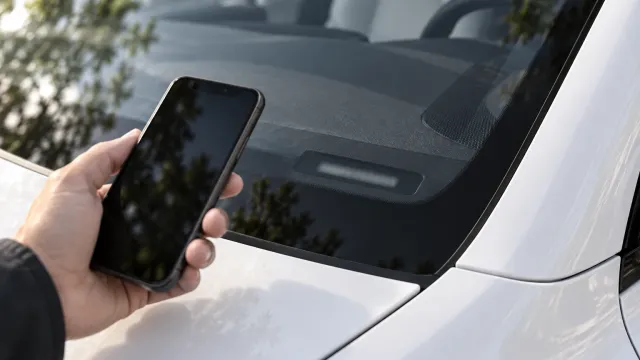
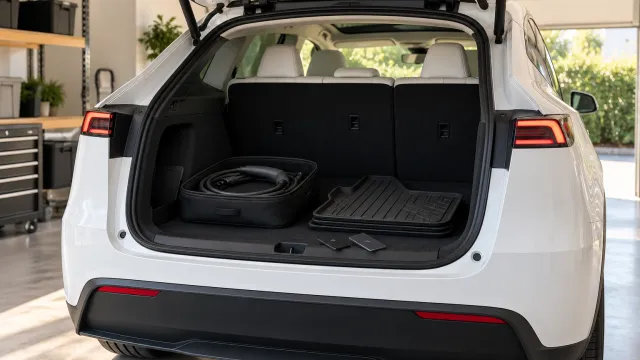
Why does my Tesla delivery date keep changing, and what can I do while I wait?
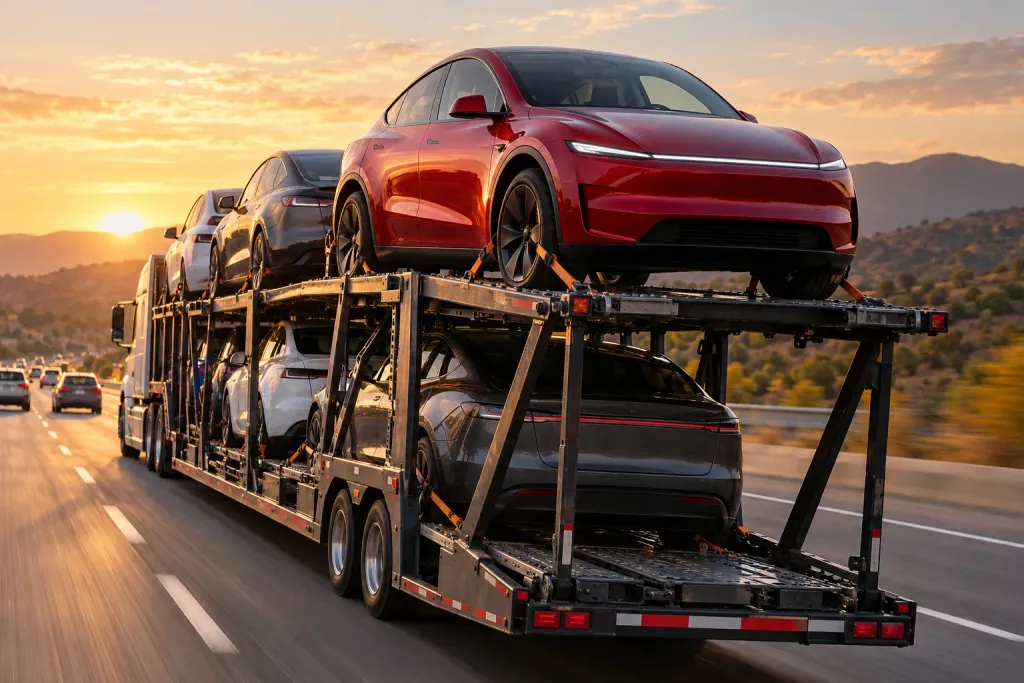
Tesla says the delivery timing it shows is an estimate that is subject to change, and that the Tesla app will always reflect the latest details. Availability depends on factors including production, logistics and how quickly you complete your delivery tasks. While you wait, finish the steps Tesla lists and get ready for the day itself.
Who this guide is for
This guide covers the United States and uses what Tesla says on its own support page about taking delivery. Dates, tasks and steps can differ in other countries, so if you live elsewhere, check Tesla’s page for your country. What Tesla does not explain, we say so instead of guessing.
Why does the delivery date change?
Because it is an estimate, and Tesla says so. Its support page says “delivery timing estimates are subject to change” and that vehicle availability “varies based on many factors, including production, logistics and timely completion of your delivery tasks.”
Read that sentence in two halves. Production and logistics are Tesla’s side, and you cannot speed them up. “Timely completion of your delivery tasks” is yours, and it is the one part you control.
Where do I find the latest date?
In the Tesla app. Tesla calls it “the source of truth for your delivery timing after placing your order” and says that once the order is placed you can view the estimated delivery window at any time from the app. If a friend, a forum post or a third-party tracker gives you a different date, the app is the one that counts.
What if the date moved, or disappeared from the app?
Tesla addresses this directly: “Your estimated delivery window may change or temporarily disappear in the Tesla app as production and logistics schedules are updated.” So a window that moves, or vanishes for a while, is something Tesla says can happen, and it ties it to production and logistics schedules rather than to anything you did. Here is what to check, in the order we would do it:
- Open the Tesla app and look at your pre-delivery tasks. Tesla recommends completing them “as soon as possible after placing your order” to ensure a timely delivery.
- Check whether a vehicle has been assigned. Tesla says the notification to schedule an appointment comes once a vehicle is assigned and has an estimated arrival at your delivery location.
- Still stuck? Ask your Tesla Advisor. Tesla’s page tells customers to talk to their advisor about delivery options, so they are the person who can see your order.
When can I book my delivery appointment?
Tesla says that “once you have a vehicle assigned to your order and we have an estimate for when it will arrive at the designated delivery location,” you will get a notification in the Tesla app to schedule. Until that notification arrives, there is nothing to book.
Once you have an appointment, you can change it. In the app, open your pre-delivery tasks, go to the Scheduling tab, tap Reschedule and choose a new date and time. Deliveries scheduled within the next 48 hours cannot be rescheduled in the app.
What to do while you wait
Tesla’s own preparation list is the best use of the wait. In its order:
- Download the Tesla app.
- Confirm your registration and delivery location in the app.
- Submit your trade-in and payment details.
- Once you receive a VIN, upload proof of insurance in the app. (In the UK, Tesla’s delivery page does not list insurance: see insuring a Tesla in the UK before delivery.)
- Submit final payment.
- On delivery day, at check-in, sign any available agreements, complete final payment and accept delivery in the app.
Tesla notes that the registration and delivery location “are required to move forward.” If a task is waiting on you, that can be what keeps the date from firming up, so do not leave them for the last week.
If you need a car sooner than your estimate, Tesla points to its existing inventory options. That is a separate purchase from your current order, so weigh the two before you decide.
What to ask your Tesla Advisor
Tesla’s page does not list questions to ask, so this part is our own suggestion, not Tesla’s. A short message with specific questions usually gets a more useful answer than “any news?” Three that fit this situation:
- Has a vehicle been assigned to my order yet, or am I still waiting for an assignment?
- Is any task in the app still open on my side that could be holding up the estimate?
- If a matching car became available sooner, what would change in my order?
Keep the answers somewhere you can find them again, and check the app against what you were told. Tesla says the app reflects the latest details, so when the two differ, the app is the reference.
Waiting without checking the app every hour
A moving estimate is frustrating, but it is not by itself a sign that something is wrong with your order. Tesla describes the dates as estimates, and that is how to treat them. A practical way to handle it:
- Check the app when you get a notification, and once a day if you like. Tesla says it will notify you when it is time to schedule.
- Do not make fixed plans, such as a day off work or a trip to collect the car, until you have a booked appointment.
- Once you have an appointment, treat the 48-hour limit as the point after which changes stop being possible in the app.
Use the wait to get delivery day ready
Plan the practical things now. The first is charging: if you are not sure a normal outlet will be enough at home, our guide on charging a Tesla from a normal outlet covers what Tesla says about speed and daily miles.
The second is the day itself. When the appointment finally arrives you will be excited, probably short of time, and trying to remember what to look at: the paint and panels, the glass, the wheels, the interior, the charging accessories, the screen and the basic functions. The more you decide beforehand, the less you leave to memory in the parking lot.
That is what TSL Check is for. It is the iPhone app we make, and its delivery checklist takes you through the car area by area, with the severity of each item and a place for a photo and a note on whatever you find (how it works). It has no accounts, and your photos and notes stay on your iPhone. You can open it in advance, choose your model and look at the checklist so that the day itself is familiar.
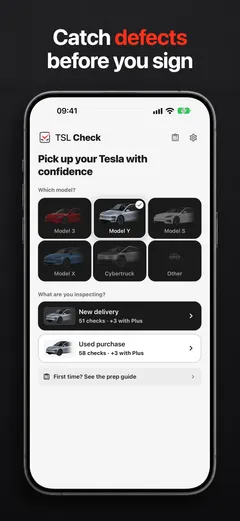
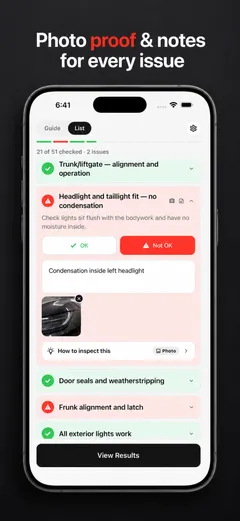
Whatever you find on the day, ask the delivery advisor to record it before you sign. What you can do next depends on your contract and local consumer law, so read your order paperwork while you are still waiting.
Frequently asked questions
Where can I find the latest delivery date for my Tesla?
In the Tesla app. Tesla says the app is the source of truth for your delivery timing after you place your order, and that it will always reflect the latest details.
Why did my delivery window change?
Tesla says delivery timing estimates are subject to change. Vehicle availability varies based on many factors, including production, logistics and timely completion of your delivery tasks.
When will I be able to schedule my delivery appointment?
Tesla says you will get a notification in the Tesla app once a vehicle is assigned to your order and there is an estimate for when it will arrive at your delivery location.
Can I reschedule my delivery?
Yes, in the Tesla app: open your pre-delivery tasks, go to the Scheduling tab, tap Reschedule and pick a new date and time. Tesla notes that deliveries scheduled within the next 48 hours cannot be rescheduled in the app.
What should I do once I get a VIN?
Tesla's list says to upload proof of insurance in the Tesla app once you receive a VIN, and complete final payment. At check-in on delivery day, Tesla says you sign any available agreements, complete final payment and accept delivery in the Tesla app.
Can I get a car sooner?
Tesla says that if you need a vehicle sooner than your delivery estimate, you can explore its existing inventory options. That is a different purchase from your current order, so compare the two before you decide.